LabSaver Chrome Extension

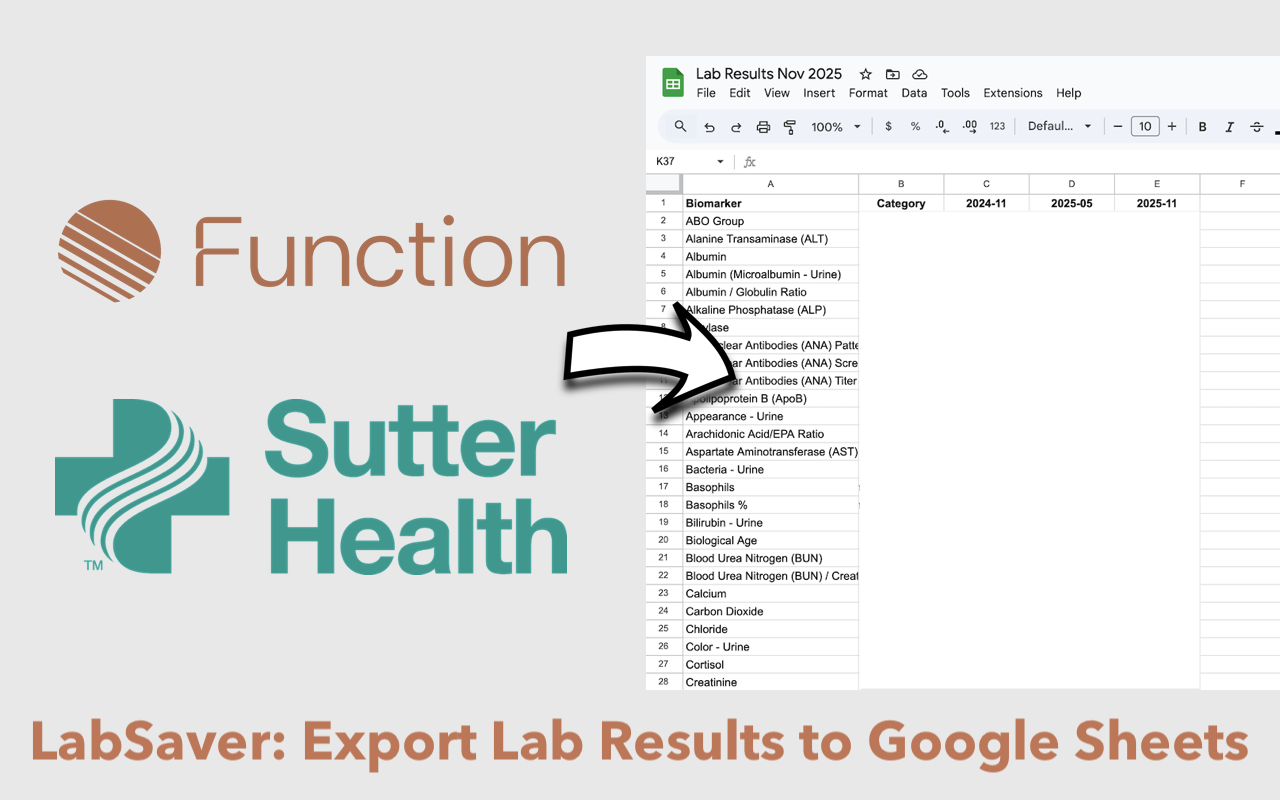
LabSaver Overview - Export from Function Health and Sutter Health to Google Sheets

LabSaver makes it easy to export your lab results from Function Health and Sutter Health directly to Google Sheets, giving you complete control over your health data.

🚀

Get LabSaver Now!

Install the Chrome extension and start exporting your lab results today
Download from Chrome Web Store

Key Features

How It Works

  1. Log into your Function Health or Sutter Health account
  2. Navigate to test results. An "Export Labs" will appear.
  3. Click the "Export Labs" button at the top of the page.
  4. Authorize Google Sheets access (one time)
  5. Your results are instantly exported to your spreadsheet

Privacy & Security

What Gets Exported?

Feature Details

1. Comprehensive Data Export

2. Smart Organization

3. One-Click Export

What Gets Added to Google Sheet

Function Health export:

Sutter Health export: